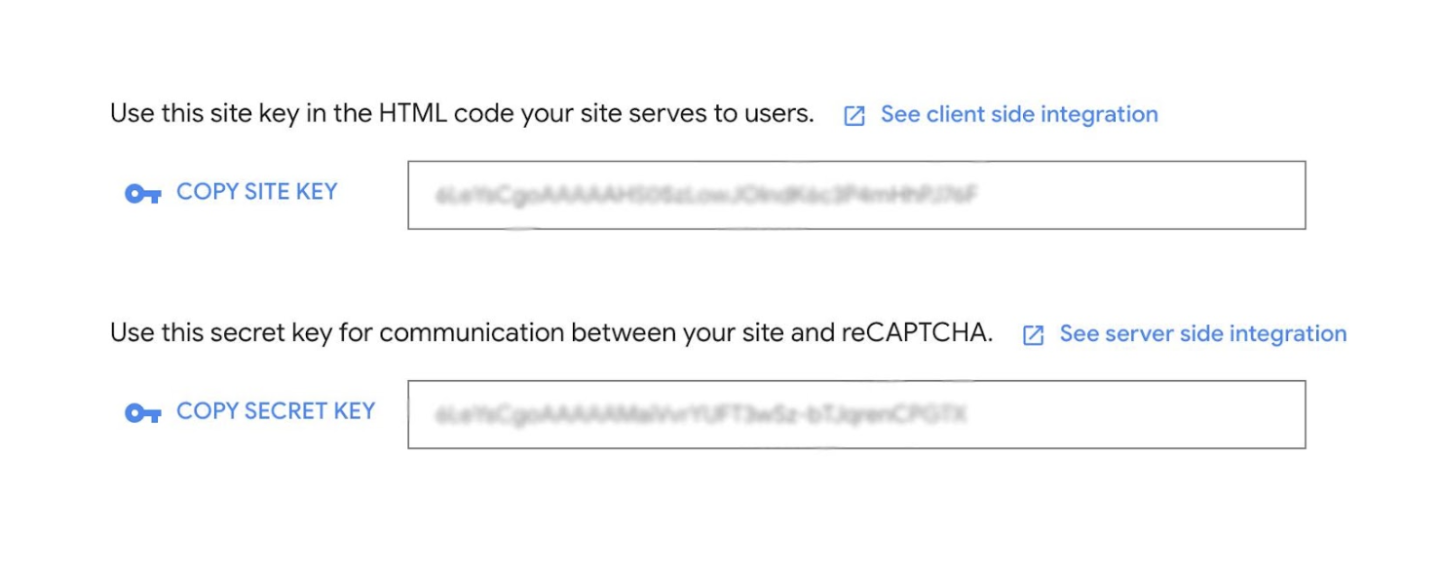
Retrieve keys for Google reCAPTCHA v3
To do this, go to Google reCAPTCHA Admin - if you don't already have an account, you need to create one. Then follow the instructions below to register your website.
1. Click on the plus icon in the upper right corner to add a website.

2. Enter an optional title for the project, such as the domain name, to navigate correctly if you have multiple domains on the same key. Make sure to choose reCAPTCHA type v3.

3. Then enter the domain (Note! It is important to enter the correct domain here). If you have multiple domains (e.g. language domains), they should all be included. Then click on [Submit].

4. Click on [COPY SITE KEY] and save it in a suitable place, then click on [COPY SECRET KEY] and send both to your project manager at The Generation and we will take care of the rest!